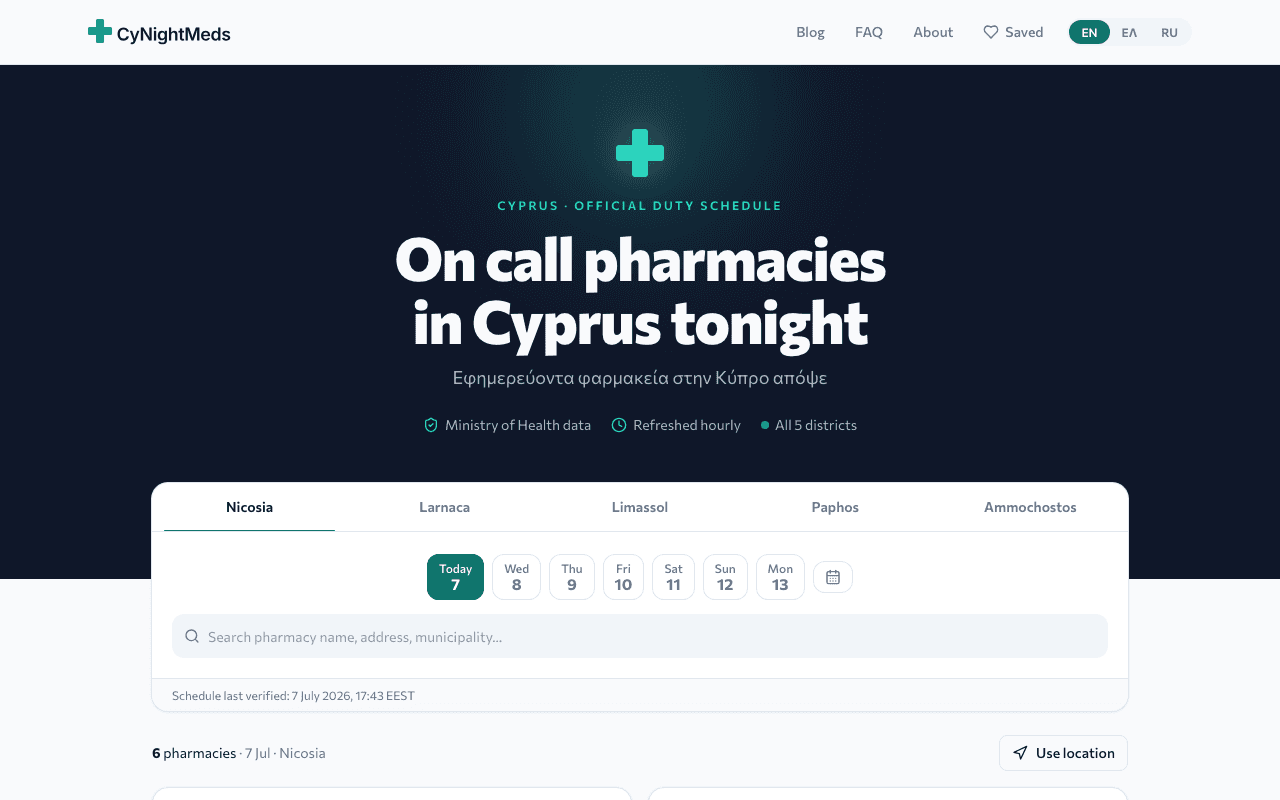
Find the night pharmacy open right now, closest to you, anywhere on the island.
Why it exists
A slow midnight search that should take seconds took the better part of an hour. We fixed it island wide so no one goes through that again.
Every one started as a problem we had. Two are live, the rest are on the way.
The live ones come first. The rest return one by one.
Find the night pharmacy open right now, closest to you, anywhere on the island.
A slow midnight search that should take seconds took the better part of an hour. We fixed it island wide so no one goes through that again.
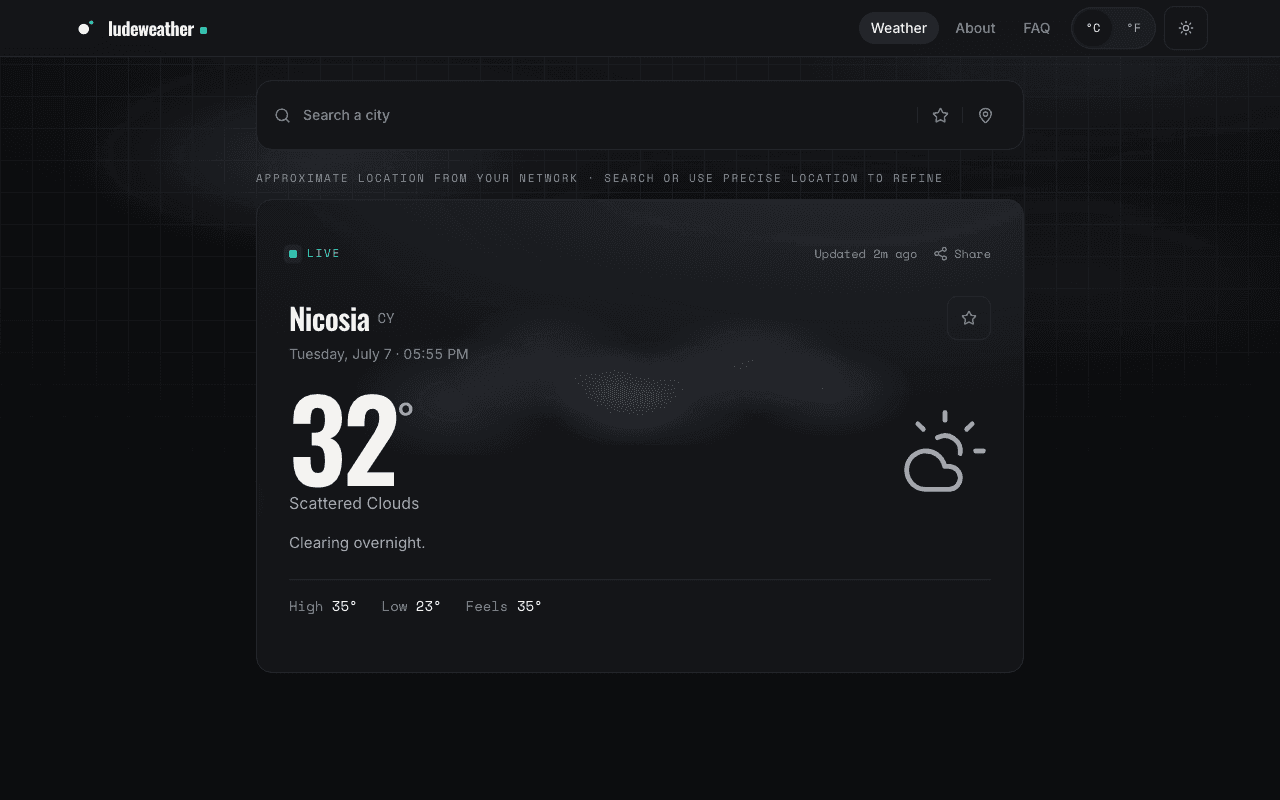
A clean, fast local forecast that loads before you blink.
A showcase of how fast a simple thing can feel when made right. Proof that speed is craft.
The cheapest fuel station near you, refreshed every hour, works with no signal.
We were tired of guessing which station was cheaper. So we tracked all 319 of them and put the answer on one screen.
Before you book, sign up or hand over your details, check the site behind it. Get the domain records, business identity and public reputation signals in one evidence based report.
A polished website can hide a short lived domain, no real business, or a reputation you should not ignore. We wanted the first check to be clear and based on evidence, not a mystery score.
A macOS menu bar app that pings you the moment a Jira ticket lands in your review column.
Reviews kept going stale because nobody noticed the column change. Now the Mac pings the reviewer the minute a card arrives, and the queue stays short.
Screenshots and clipboard history in one macOS menu bar app. Capture, annotate, drag a shot out, and paste anything you copied earlier.
We grab screenshots all day for design QA and wanted one tool that captures, annotates, and exports without friction. So we made it, and now we use it every day.
Type in a gross salary, get the net pay in seconds after tax and insurance.
Cyprus payroll math is a maze. Thousands of people now run their numbers through it every month.
Paste a URL, get a scored SEO report with exact fixes, site crawls, monitoring and AI insights.
We ran the same SEO checks by hand for every site we shipped. Now one tool scores the site, explains every gap, and keeps watching it after launch.
Prove a document has not changed, and spot the ones that have. Fingerprints, trusted timestamps and forensic signals reports.
Documents get quietly edited every day and nobody can prove it. So we made an honest notary: register a file, get a certificate anyone can verify, and inspect the ones you receive.
You finished a job and need to send an invoice. Pick a type, fill it in, and download a clean PDF in seconds. No account, nothing leaves your browser.
We were tired of invoicing tools that want an account and your data. So we made one that runs entirely in the browser. Offers, invoices, quotes and receipts, nine themes, your logo.
Turn a link, text, wifi network or contact card into a QR code. Custom colors, icon shaped modules, an optional logo, PNG or SVG download. No account, nothing leaves your browser.
We kept needing a quick QR code for a wifi password or a link and didn't want to hand that to a random web tool. So we made our own, and it never touches a server.
Every F1 session in your local time, a live countdown to lights out, animated track maps, and the whole sport's history back to 1950.
We kept missing qualifying because every schedule showed someone else's timezone. So we made the tracker we wanted: countdowns, live timing, news, standings and every world champion since 1950, installable and offline ready.
Compare supermarket prices across Cyprus from the official e-kalathi data, make a list, and see which store is cheapest for the whole basket.
Grocery prices kept climbing and no one could tell which store was actually cheaper. The state publishes the data, so we turned it into one screen and one answer.
Every bill, subscription and debt you owe in one place, with the total and the next due date on the first screen.
Money slipped through scattered reminders and screenshots. We made the one list we check, on the web and on the phone.
Live football scores, lineups, events and standings in a native iOS app on our own real time API.
Every scores app we tried was slow and full of ads. Ours is native, quiet, and runs on data we control.
One proven stack across every product, so each one gets the lessons of the last.
App Router, server components, ready for the edge.
Full type safety from the database to the screen.
One token set, no drift, consistent everywhere.
Global edge, instant deploys, nothing to operate.
A question about a product, a bug to report, or just curious. Write to us and a real person replies.